Registering New Users
Introduction
You can register new users to GuacamoleID in several different ways. In this document we will go over how to register new users after GuacamoleID has already been set up on a device.
Block Screen Registration
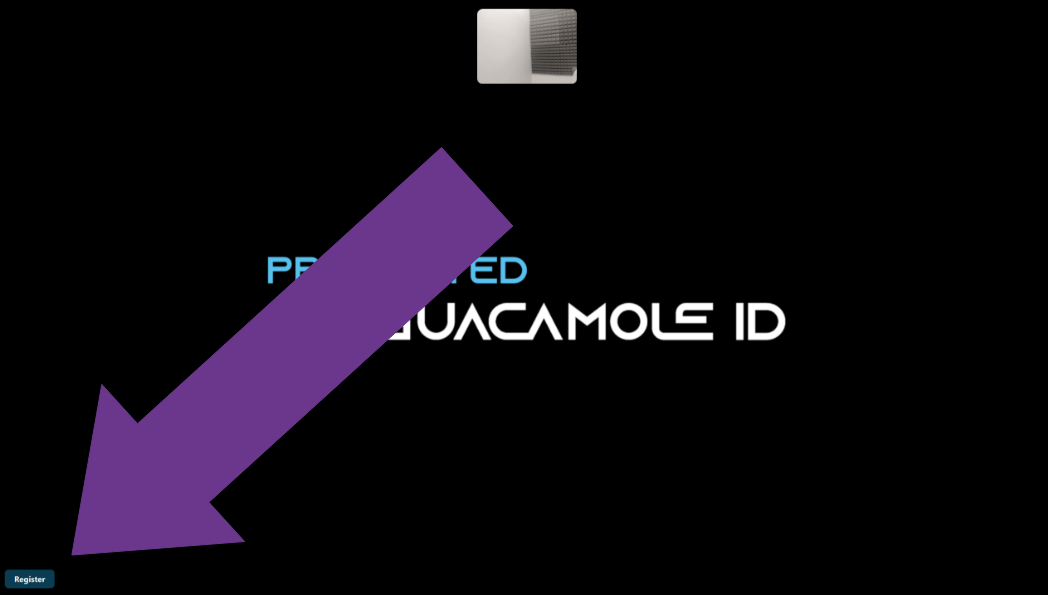
GuacamoleID is designed to block access to a device if it detects that its user walks away, or if it detects an intruder is trying to access the device. The Block Screen also detects key presses to send the device to the Windows lock screen as a security measure. A user can still register their face to GuacamoleID from the Block Screen by clicking on the register button on the bottom left hand corner of the screen.
User List Registration
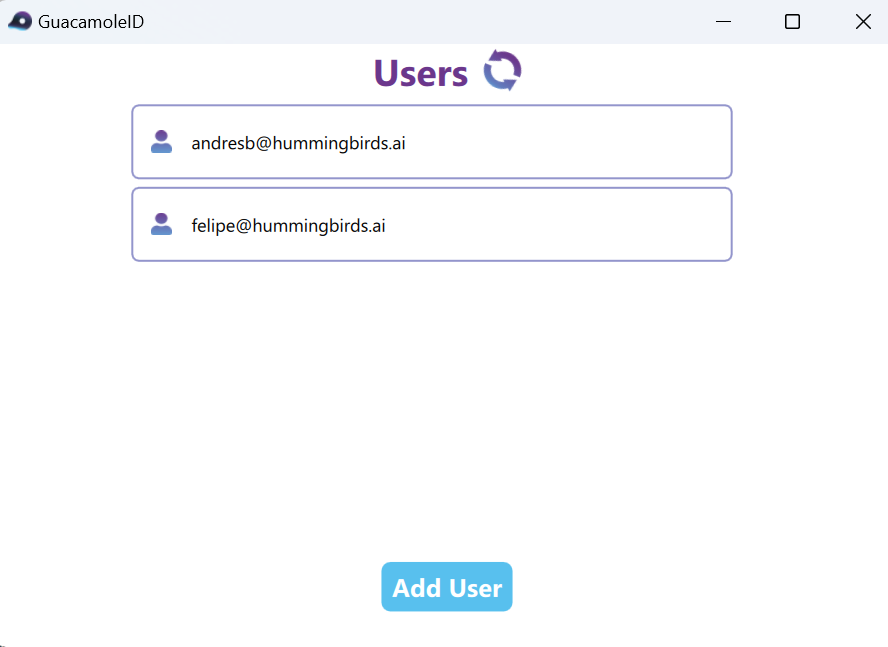
If the computer is not blocked, you can register a user from the User List. To open the user list you will need to click on the "Manage Users" button in the Quick Menu. Once you have accessed the User List you will need to click on the "Add User" button on the bottom of the Window.
Email Verification
To verify your identity with GuacamoleID, you'll need to show a QR code sent by your company IT staff through an email from noreply@guacamole.ai. The email should include an image of the QR code. Position the QR code inside the blue square to scan it. Make sure the QR code is visible and adjust your phone's screen brightness if necessary to avoid any issues reading the code.
|
QR Email Example 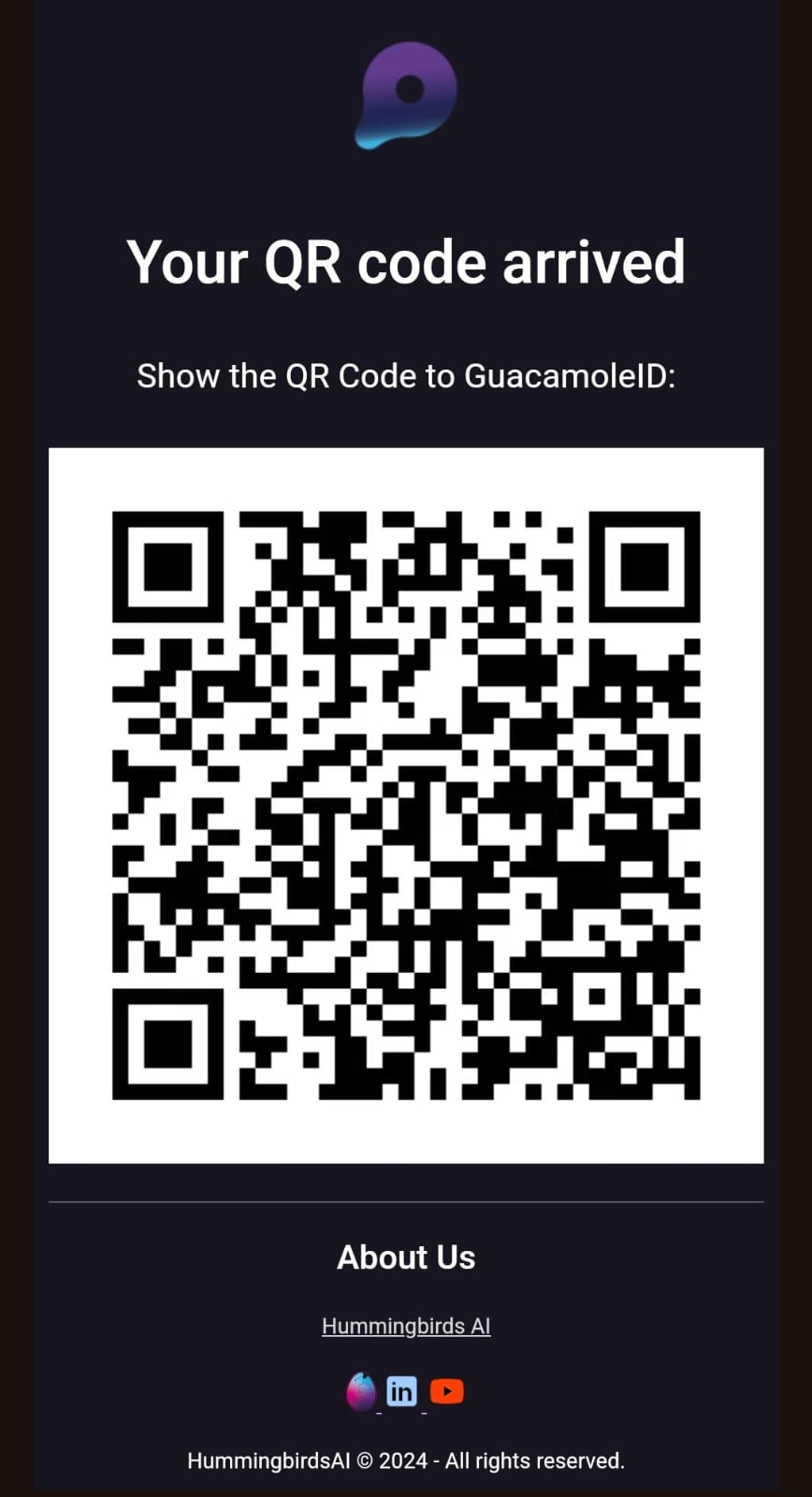
|
QR Verification 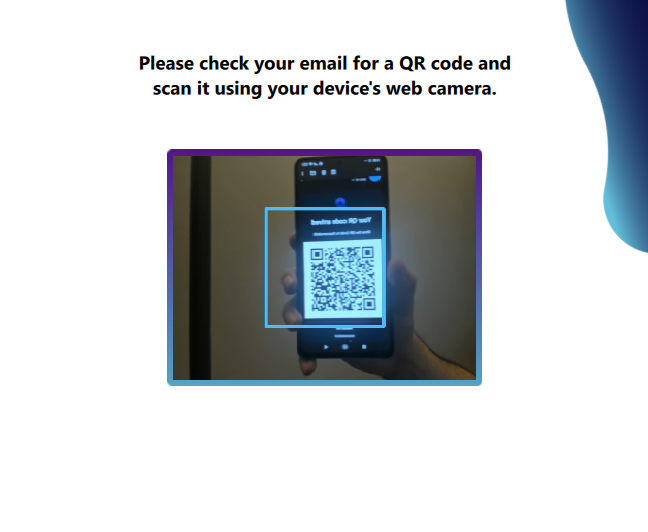
|