Guacamole™ SDK
Continuous face authentication, in a few lines of code
Verify the human behind every session. Identity and presence checks for your apps and AI workflows, with liveness you control.
npm install @guacamole_hbai/auth
import {
  Guacamole, verifyClaims, ACR_FACE, SESSION_REVOKED, subjectOf,
} from "@guacamole_hbai/auth";

const gid = new Guacamole({
  apiKey: process.env.GUACAMOLE_API_KEY,
  tenant: "acme",
  baseUrl: "https://guacamole.ai",
});

// 1. Invite someone to enrol their face
const invite = await gid.enrollments.invite({
  externalId: "42",
  email: "ana@example.com",
  consentText, policyVersion, lawfulBasis,  // what they agree to
  returnTo: "https://app.example.com/enrolled",
});
sendEmail("ana@example.com", invite.url);  // keep invite.sub on your user

// 2. Sign them in: send them to the face check with login_hint: invite.sub

// 3. Trust the result only if their face was verified
verifyClaims(claims, { requireAcr: [ACR_FACE] });

// 4. Find out the moment someone else sits down
const receiver = gid.receiver({ audience: "https://app.example.com" });
receiver.on(SESSION_REVOKED, (event, claims) => endSession(subjectOf(claims)));
export const POST = receiver.handler();  // your events endpoint
Get started
Up and running in five steps
-
Get a workspace
Your own space on Guacamole™. For now, we set it up for you.
Self-serve coming soon -
Connect your app
Register it in your workspace and get its keys.
-
Invite your users
Each person sets up their face once, on our secure page.
-
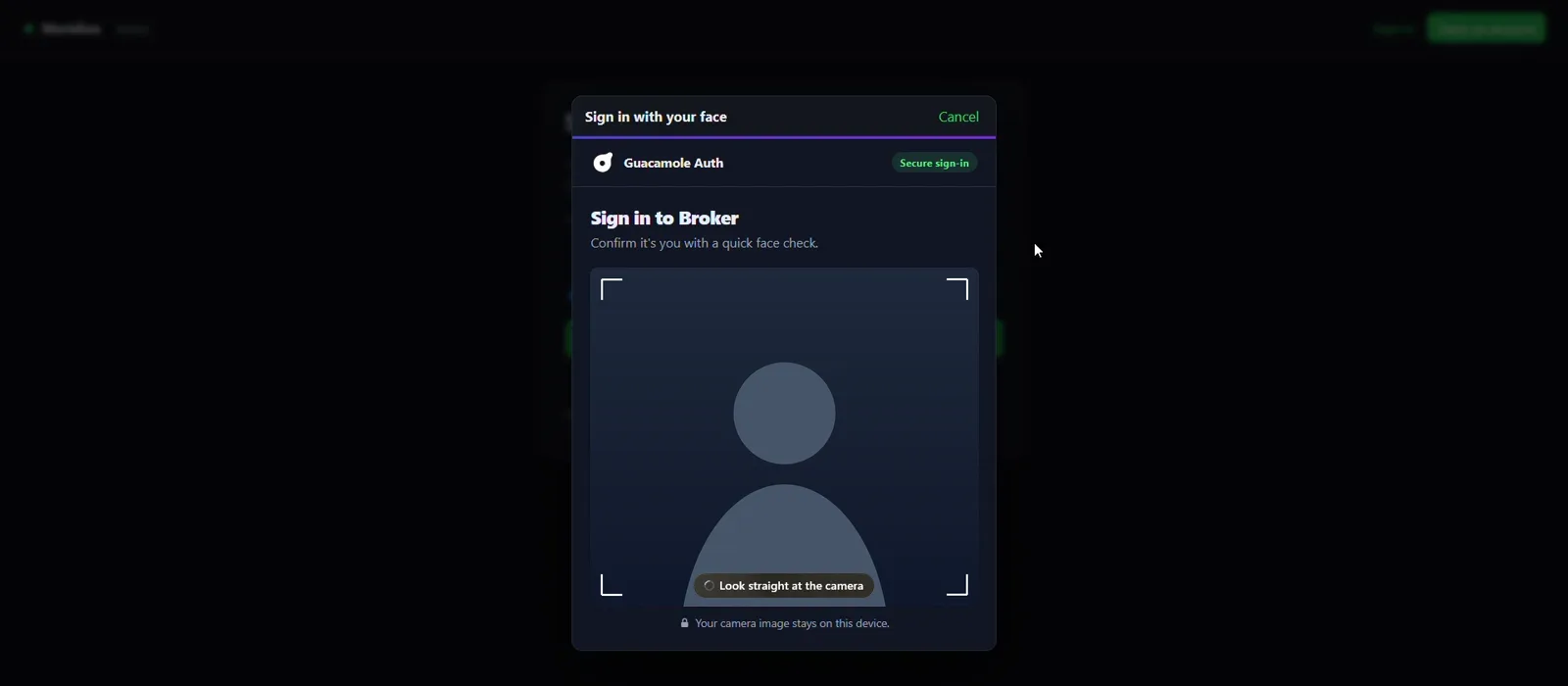
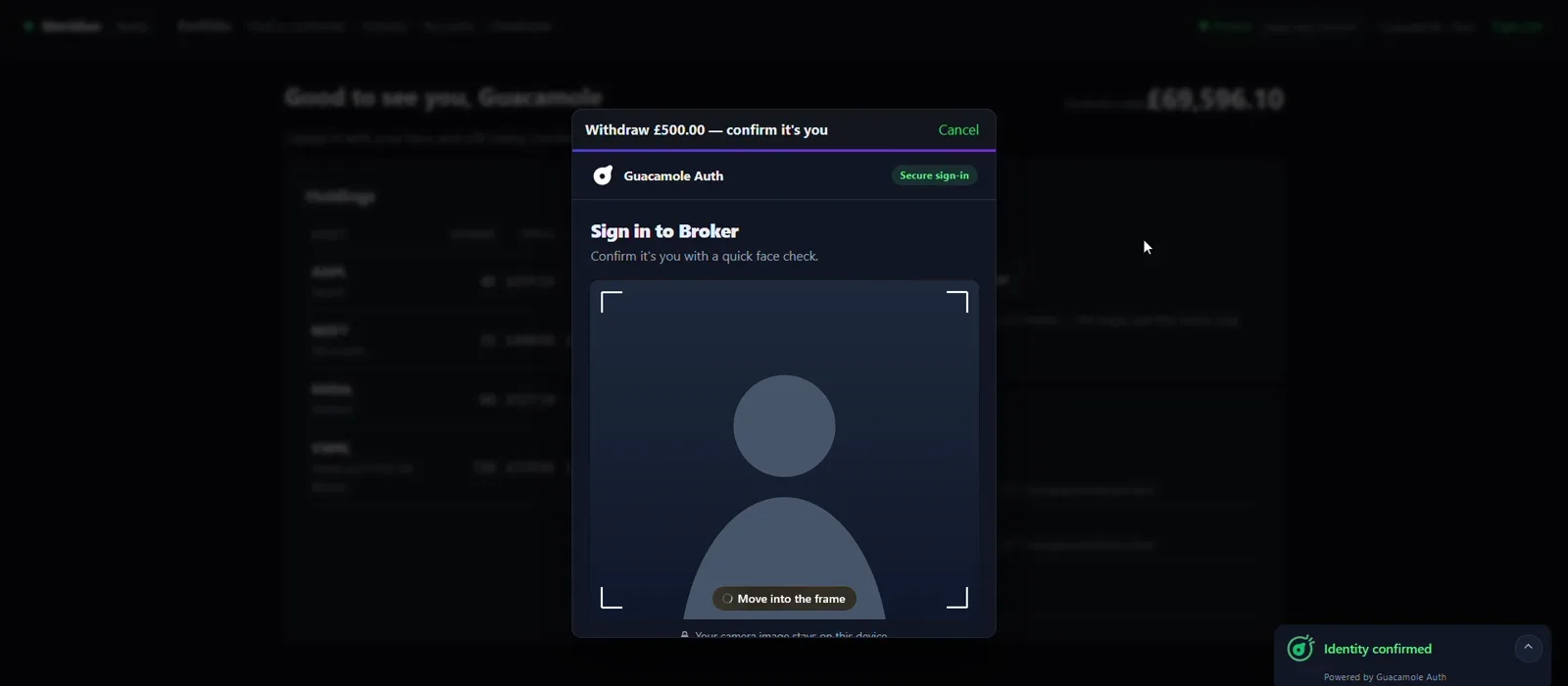
Sign in with a face
People look at the camera instead of typing a password.
-
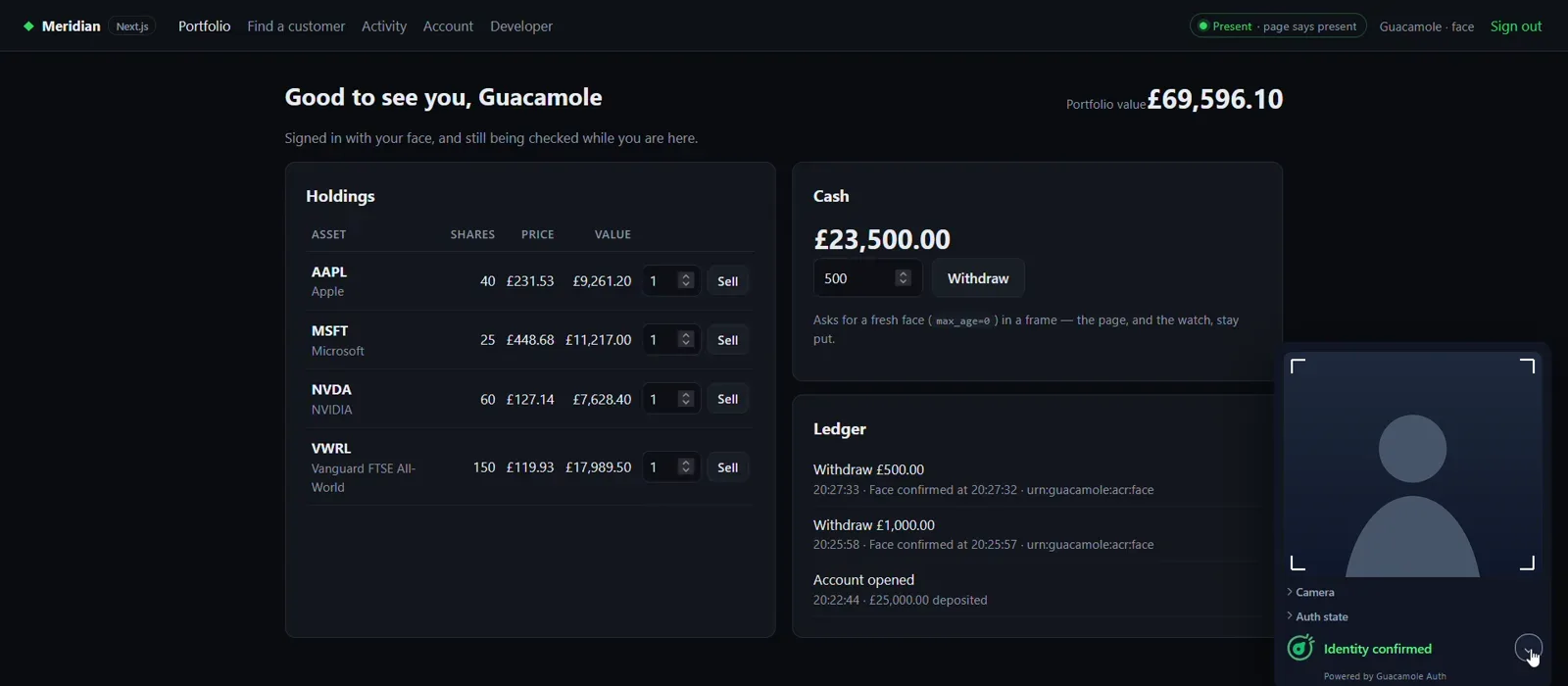
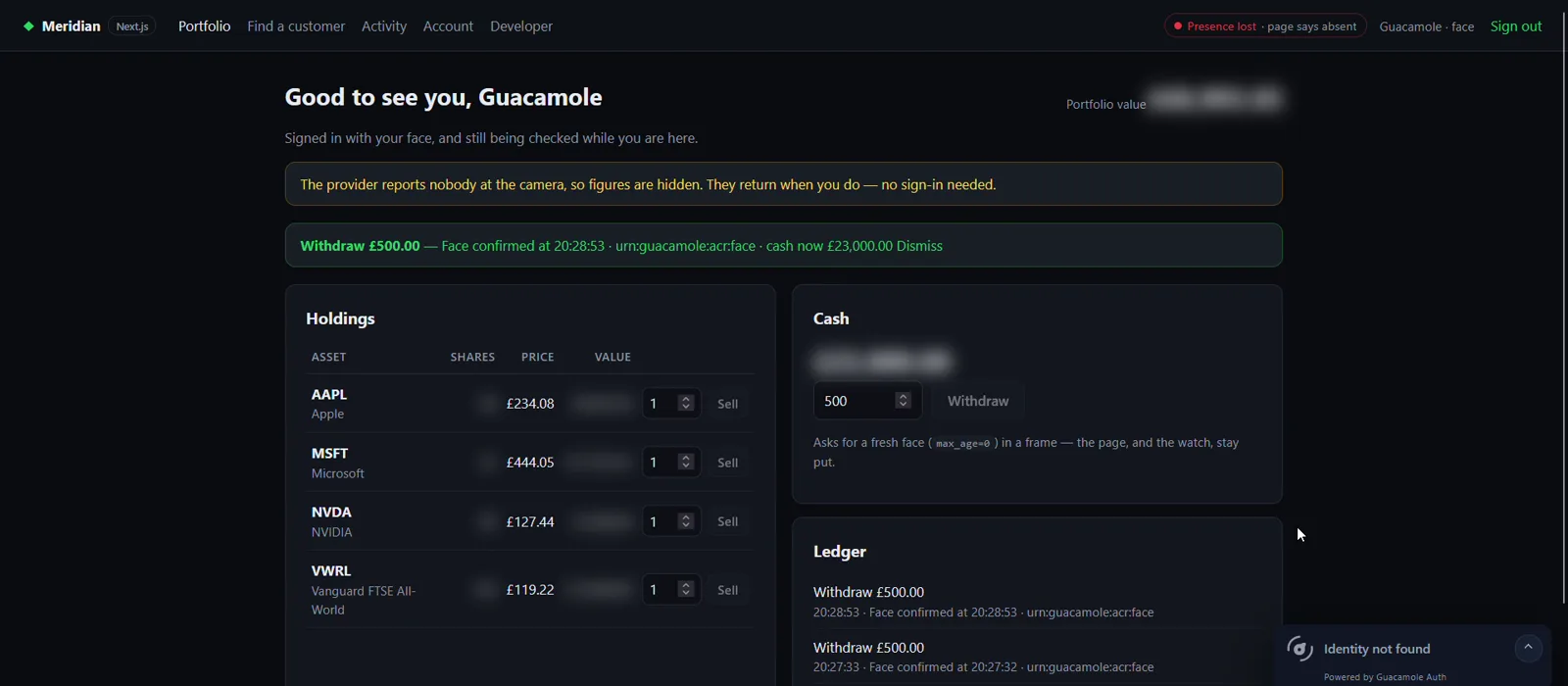
Stay protected
If they walk away or someone else sits down, your app knows.
See it in action
Built with Guacamole™ SDK
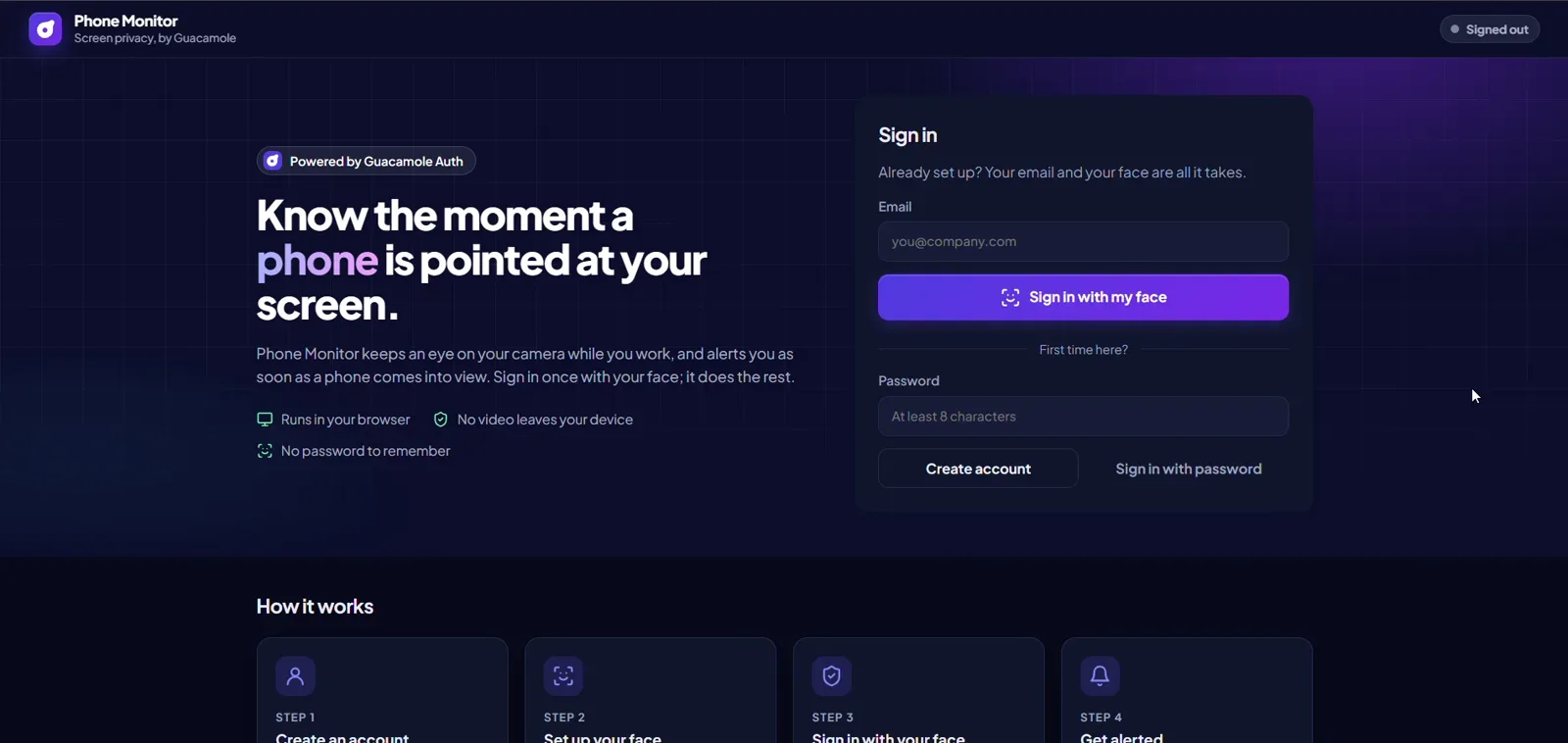
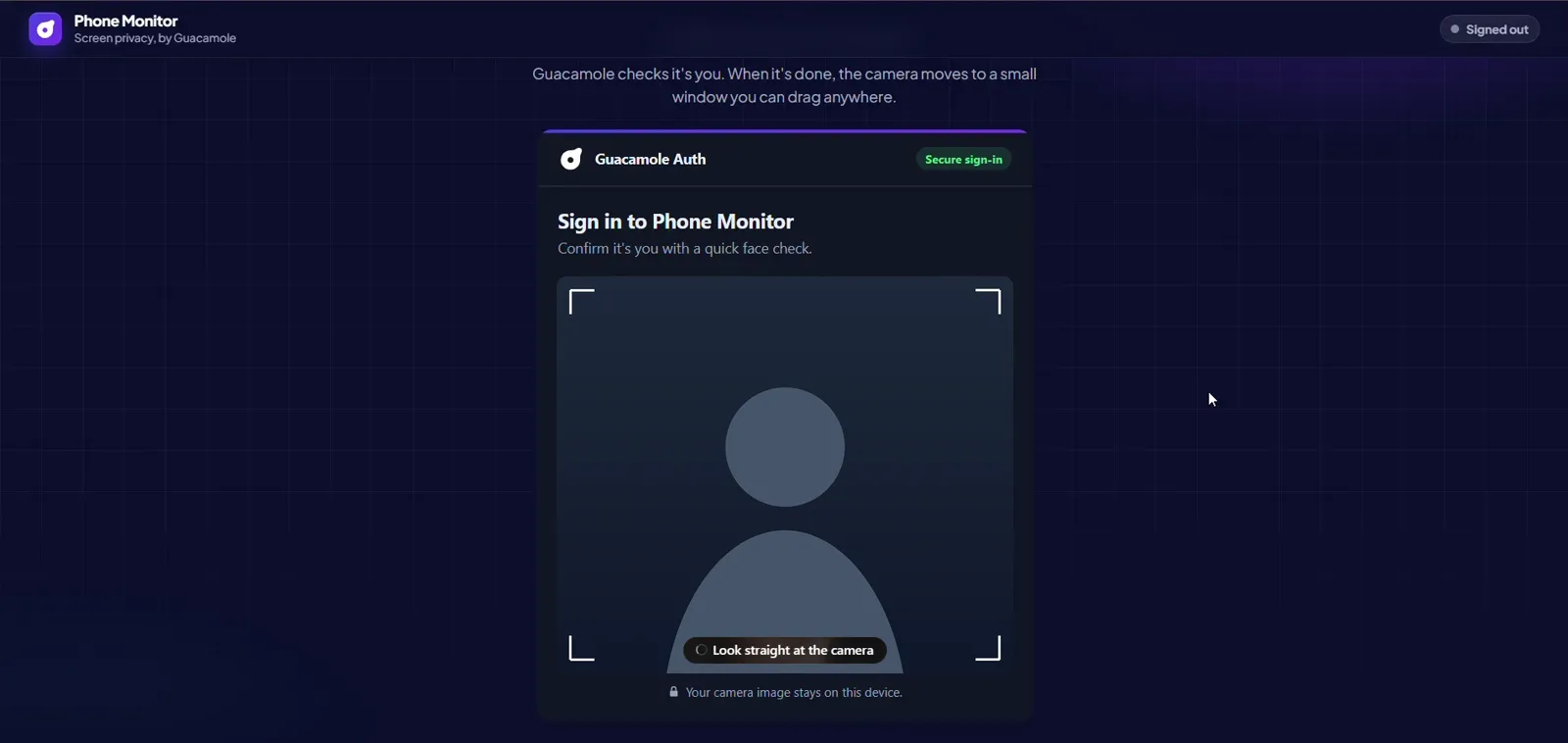
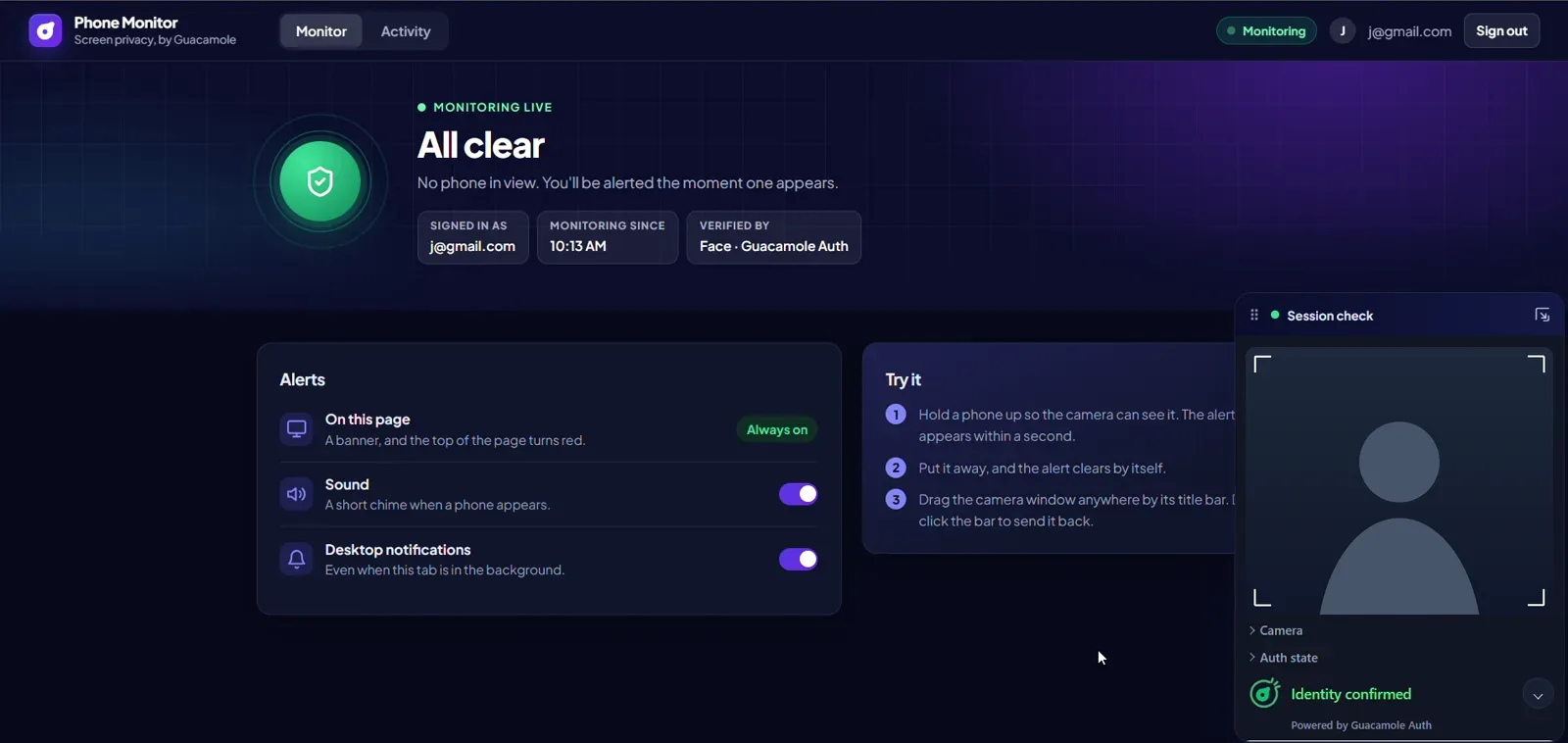
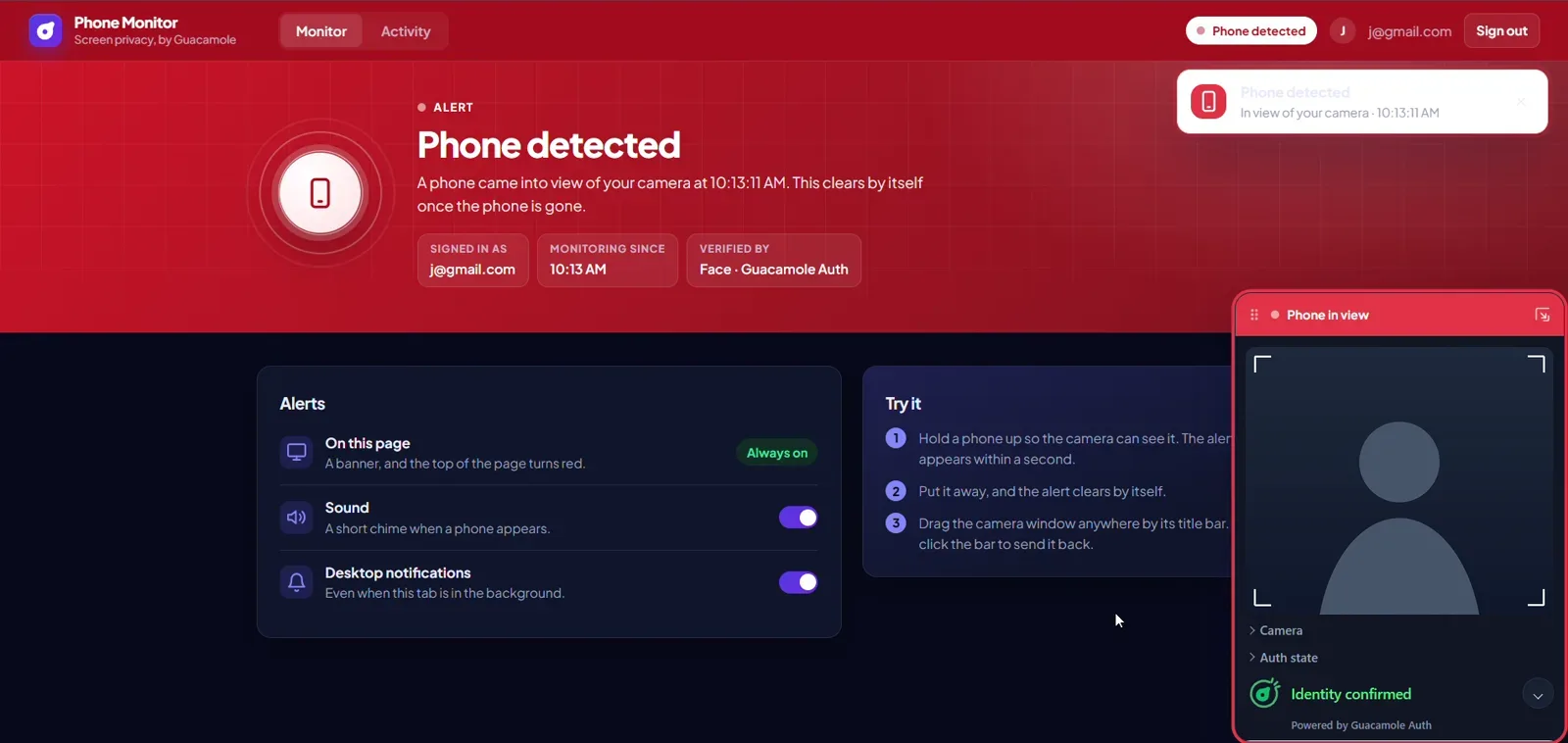
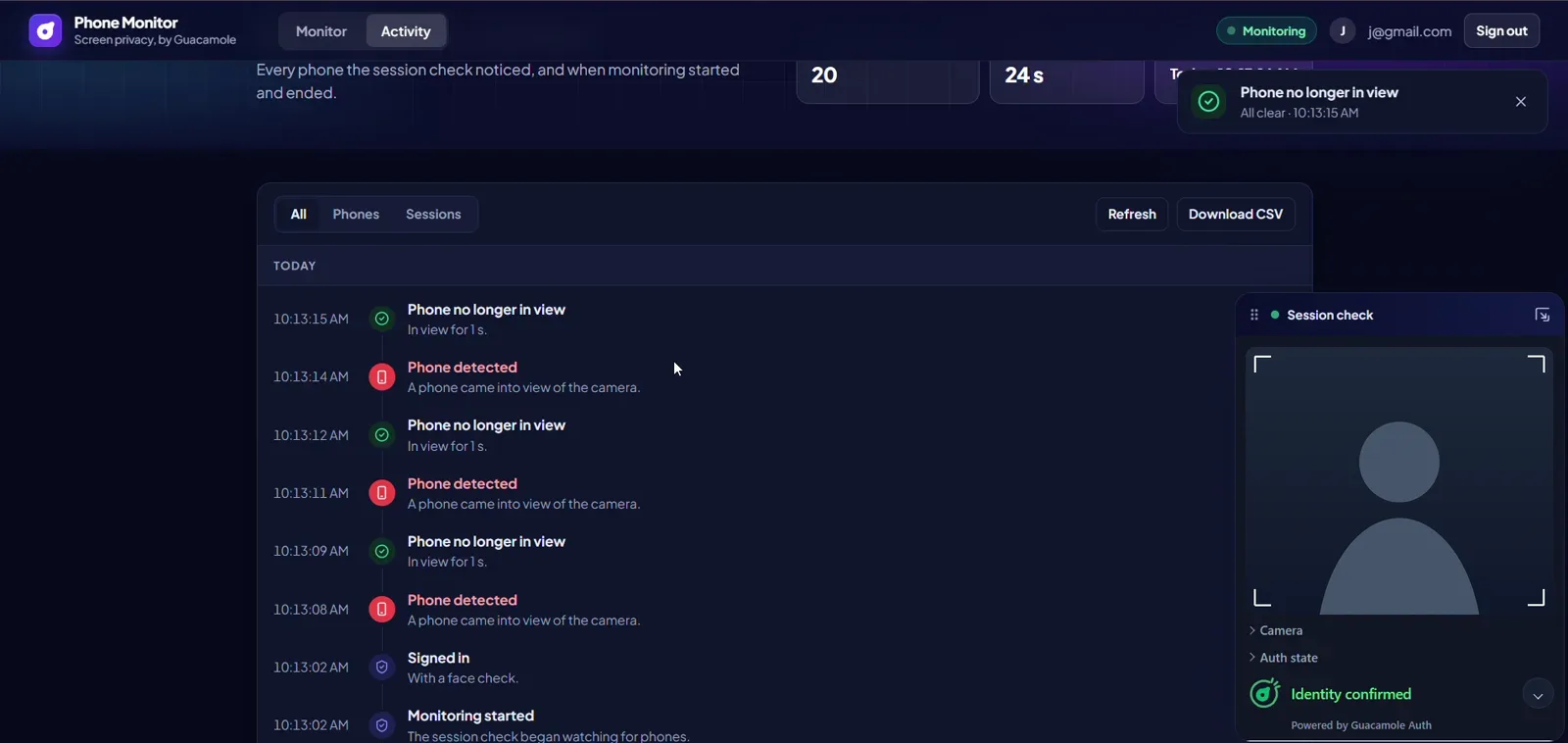
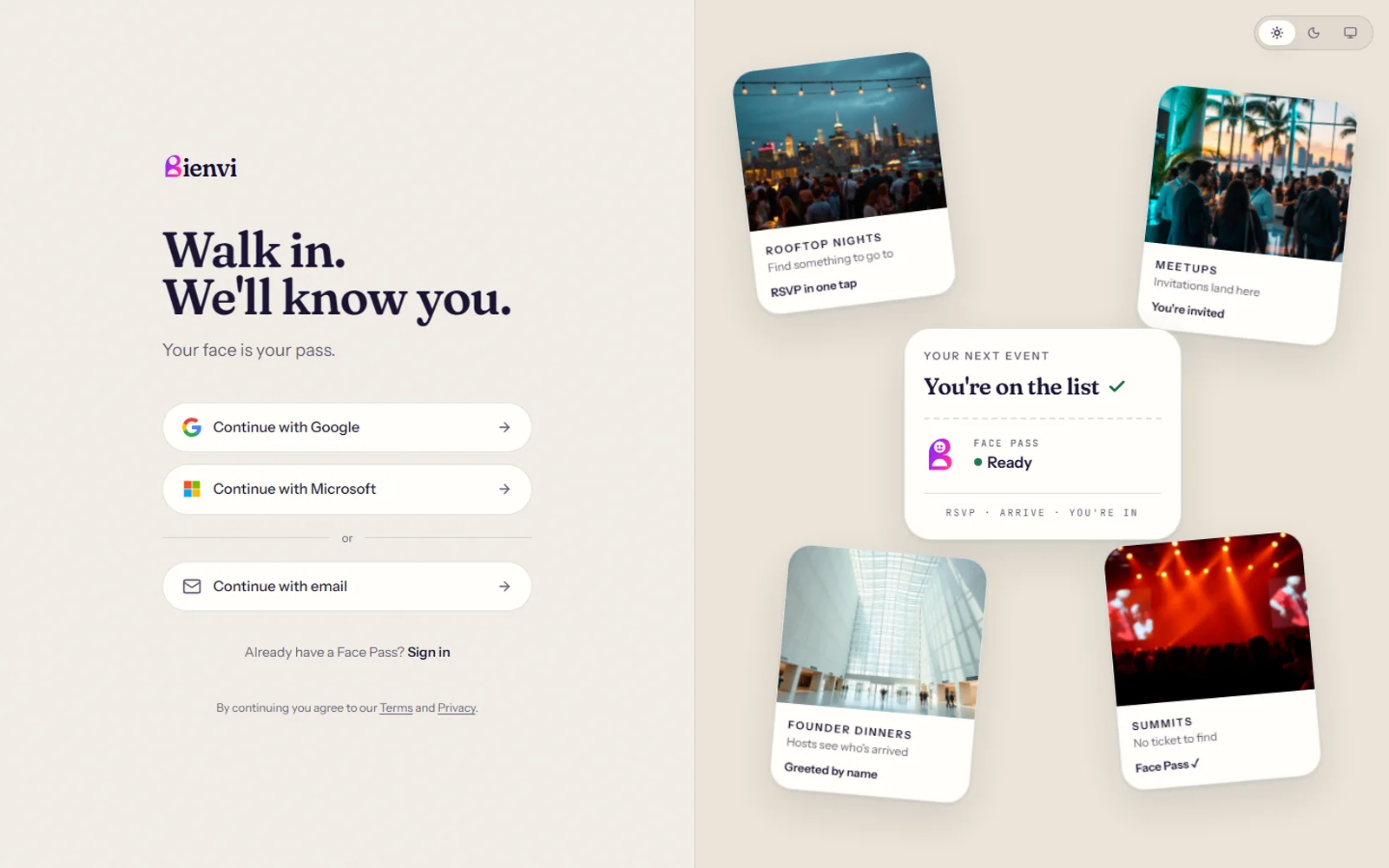
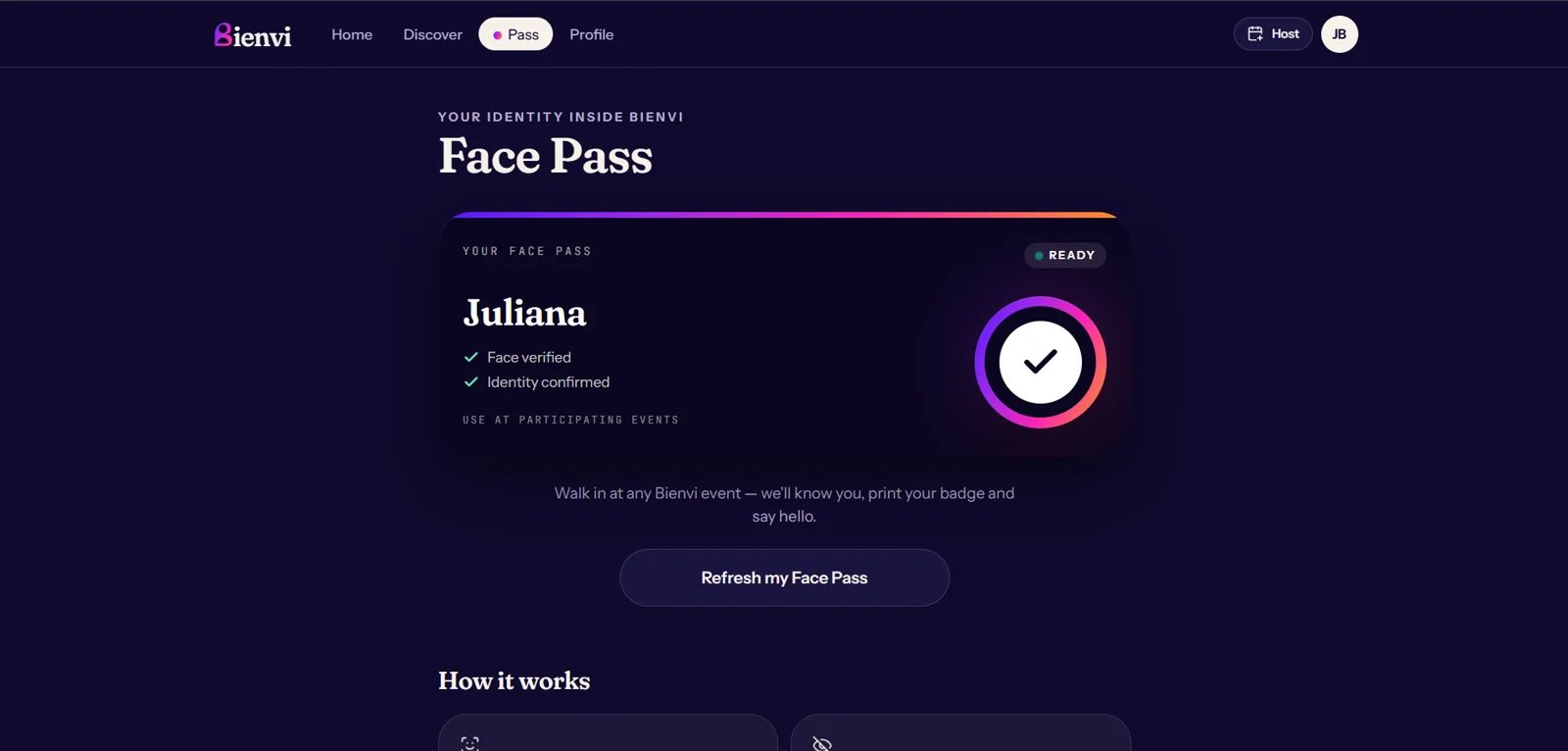
Three apps, three ways to use it. Pick one to see its steps.
Ready to build?
Ask for a workspace, and add face authentication to your app.